Video Editing Tips That Boost Your Freelance Income
Transform your freelance career with video editing tips that increase efficiency, boost client value, and help you earn $500+ per project.
Monetization
Sarah Chen
August 22, 2026 · 8 min read
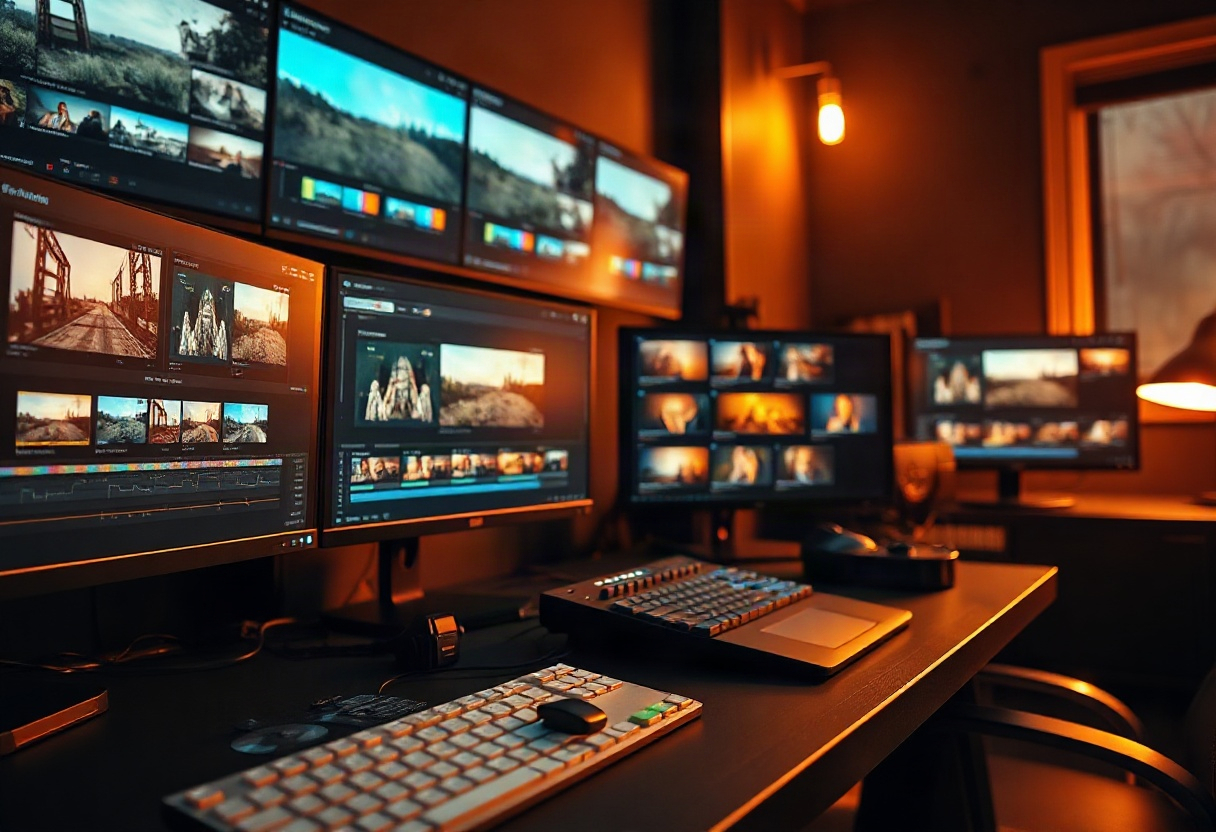
Your video editing skills are your most valuable asset as a freelancer—but technical ability alone won’t boost your income. The difference between earning $50 per project and $500 often comes down to efficiency, client communication, and strategic editing choices. These video editing tips will help you deliver higher-quality work faster, increase your perceived value, and build a sustainable freelance business.
Master the 80/20 Rule for Efficient Video Editing
What does the 80/20 rule mean in video editing? The 80/20 rule (also called the Pareto Principle) suggests that 80% of your results come from 20% of your efforts. In editing terms, this means rough cuts and basic color correction create most of your video’s impact, while fine-tuning transitions and micro-adjustments provide diminishing returns.
Focus your energy on these high-impact tasks first:
- Story structure and pacing: Getting the narrative flow right matters more than perfect transitions
- Audio quality: Clean dialogue and balanced sound levels have a bigger impact than complex visual effects
- Color grading basics: Consistency across clips beats elaborate color work
- Strategic B-roll placement: Well-timed cutaways enhance storytelling more than excessive coverage
According to Adobe’s 2023 Digital Video Report, professional editors spend 60% of their time on structural edits and only 15% on advanced effects—yet clients perceive the cleanly structured video as more professional.
Pro tip: Set a timer for your rough cut. If you can’t get the basic structure done in 30% of your total editing time, you’re likely over-thinking early decisions that will change later anyway.
Apply the 3-2-1 Backup Rule to Protect Your Income
What are 321 rules of video editing? The 3-2-1 rule is a data protection strategy: maintain 3 copies of your project files on 2 different storage types, with 1 copy stored off-site. For freelancers, lost footage means lost income—and potentially damaged client relationships.
Here’s how to implement this rule:
- Working copy: Store active projects on your primary editing drive (SSD for speed)
- Local backup: Mirror files to an external hard drive using automated backup software
- Cloud backup: Use services like Backblaze or Google Drive for off-site protection
Project loss happens more often than you’d think. A Backblaze study found that 1.37% of hard drives fail annually—which means over a 5-year career, you’ll statistically face at least one drive failure.
Video Editing Tips for Beginners That Work at Any Level
Build Keyboard Shortcut Muscle Memory
Your editing speed directly impacts your hourly rate. Learning keyboard shortcuts can reduce editing time by 30-50%, according to industry benchmarks. Start with these universal shortcuts that work across most editing platforms:
- J-K-L: Rewind, pause, play forward (variable speed)
- I-O: Set in and out points
- Delete/Backspace: Ripple delete
- Cmd/Ctrl + K: Cut/blade tool
- Cmd/Ctrl + Z: Undo
Spend 10 minutes daily practicing shortcuts until they become automatic. Your clients won’t see this effort, but they’ll benefit from faster turnaround times—and you’ll complete more projects per week.
Organize Your Projects Like a Business
Professional organization isn’t just about finding files quickly—it’s about looking professional when clients need revisions or when you revisit old projects. Create a consistent folder structure for every project:
Project_Name/
├── 01_Footage/
├── 02_Audio/
├── 03_Graphics/
├── 04_Exports/
├── 05_Project_Files/
└── 06_Client_Assets/
Color-code your timeline clips by content type (interviews in blue, B-roll in green, graphics in yellow). When a client asks for a last-minute change three months later, you’ll find the exact clip in seconds instead of hours. Platforms like Vidori’s catalog management system automate much of this organization for creators building content libraries.
Master Audio Before Advanced Visual Effects
Poor audio is the fastest way to appear amateur, regardless of your visual skills. A Wistia study found that viewers will tolerate lower video quality, but 62% will stop watching videos with poor audio within the first 30 seconds.
Essential audio editing tips:
- Normalize dialogue levels: Keep speech between -12dB and -6dB
- Remove background noise: Use spectral editing tools to clean up hums and hisses
- Apply compression: Smooth out volume inconsistencies in dialogue
- Add subtle room tone: Fill gaps between clips to avoid jarring silence
You don’t need expensive plugins—most editing software includes basic audio tools that handle 90% of common issues.
How Do I Get Better at Video Editing?
Deliberate practice beats casual experimentation. Here’s a structured approach to skill development:
Watch critically: Analyze three videos per week in your niche. Note cut timing, pacing, color grades, and transitions. Ask yourself why editors made specific choices—don’t just admire the finished product.
Recreate effects: Find a technique you admire and recreate it from scratch. YouTube tutorials are helpful, but the real learning happens when you problem-solve your own version without step-by-step guidance.
Seek specific feedback: Don’t ask clients if they “like” your work. Ask targeted questions: “Did the pacing feel too slow in the middle section?” or “Was the music level balanced with the dialogue?” Specific feedback produces specific improvements.
Track your metrics: Monitor your average editing time per minute of finished video. If you’re spending 8 hours to produce a 3-minute video, you’re likely over-editing. Industry standards suggest 2-4 hours per finished minute for most corporate content.
Pro tip: Join online communities like r/VideoEditing or Frame.io’s creator forums. Post your work for critique monthly—you’ll learn faster from peer feedback than from isolated practice.
Video Editing Tips and Tricks for Client Retention
The best freelance editors don’t just deliver good videos—they deliver great client experiences. These strategies separate one-time gigs from recurring retainers:
Set clear revision expectations: Offer 2-3 rounds of revisions in your contract. Unlimited revisions encourage endless tweaking and kill your profitability.
Deliver progress previews: Send a rough cut at the 50% mark. Early feedback prevents major rework later and shows clients you’re actively working.
Create style templates: Build reusable templates for lower thirds, transitions, and color grades. Consistency across a client’s content reinforces their brand—and cuts your editing time by 40%.
Offer strategic input: Don’t just execute—advise. If a client’s 10-minute video would perform better as three 3-minute segments, say so. Editors who contribute strategy charge premium rates.
When you’re ready to transition from freelance editing to building your own content platform, Vidori’s solutions for creators let you monetize your video library with subscriptions starting at $99/month—no revenue sharing, no per-subscriber fees.
Leverage AI Tools Without Losing Your Creative Edge
AI-powered editing tools are reshaping workflows, but they’re enhancers, not replacements. Smart freelancers integrate AI strategically:
- Auto-transcription: Services like Descript eliminate manual transcription work
- AI color matching: Tools like DaVinci Resolve’s color match feature speed up grade consistency
- Smart reframing: Auto-reframe features resize horizontal video for vertical platforms
- Rough cut assembly: AI tools can create first-pass rough cuts from transcripts
These tools handle repetitive technical tasks, freeing you to focus on creative storytelling decisions that justify higher rates. Platforms like Vidori’s AI agents extend this concept to video publishing, using AI to optimize titles, descriptions, and viewer engagement—automating busywork so creators focus on content.
What Are Good Ways to Edit Videos for Different Platforms?
Platform-specific editing increases your marketability. Each platform has technical and cultural requirements:
| Platform | Optimal Length | Aspect Ratio | Key Consideration |
|---|---|---|---|
| YouTube | 8-15 minutes | 16:9 | Hook within first 15 seconds |
| 30-60 seconds | 9:16 or 1:1 | Captions required (85% watch muted) | |
| TikTok | 15-60 seconds | 9:16 | Fast cuts, trending audio |
| 30-90 seconds | 1:1 or 16:9 | Professional tone, subtitles | |
| 1-3 minutes | 1:1 or 16:9 | Native uploads perform better |
Clients value editors who understand these nuances. Position yourself as a platform specialist rather than a generalist—you’ll face less competition and command higher rates.
For creators managing multi-platform distribution, Vidori’s analytics dashboard tracks viewer behavior across all platforms, helping you understand which editing choices drive engagement.
Key Takeaways
- Apply the 80/20 rule: Focus on story structure and audio quality before perfecting transitions and effects
- Implement the 3-2-1 backup rule: Protect your income by maintaining three copies of project files across two storage types with one off-site
- Master keyboard shortcuts: Reduce editing time by 30-50% through deliberate daily practice
- Prioritize audio quality: Viewers tolerate lower video quality but abandon videos with poor audio within 30 seconds
- Deliver client experiences, not just videos: Set clear expectations, provide progress previews, and offer strategic input to build retainer relationships
Turn Your Editing Skills Into Sustainable Income
Great video editing tips improve your technical skills, but building a sustainable freelance business requires combining efficiency with strategic client management. Whether you’re editing for clients or creating your own content library, focus on workflows that scale your income without scaling your hours proportionally.
Ready to move beyond project-based freelancing? Start a 14-day free trial with Vidori and explore how subscription-based content platforms let you monetize your video expertise directly—no revenue sharing, just predictable monthly income from your audience.
Written by
Sarah Chen
Content creator and streaming industry expert. Helping creators build sustainable businesses with video.