Video Creation Guide: How to Start Making Pro Content
Start creating professional video content today without expensive gear or experience. Essential strategies from planning to publishing that actually work.
Getting Started
Sarah Chen
September 24, 2026 · 8 min read
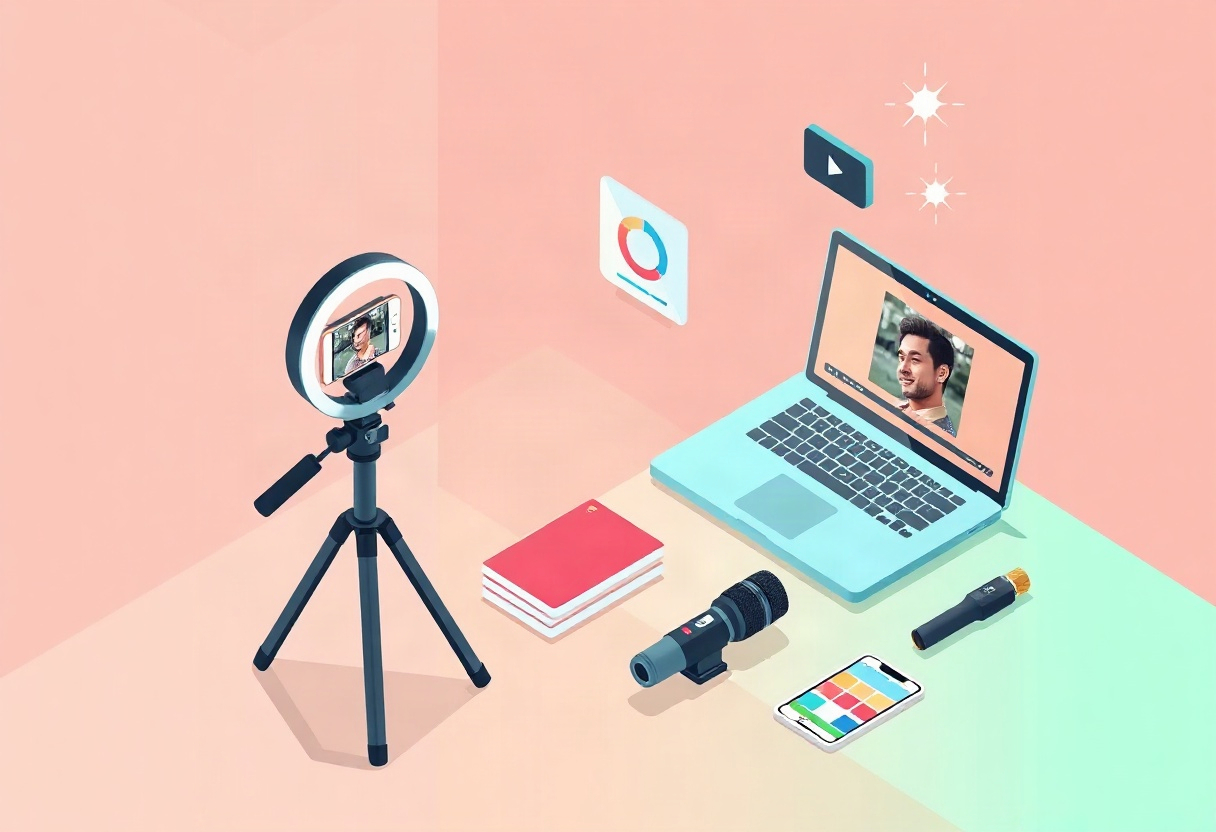
You’ve watched countless YouTube tutorials, studied successful creators, and you’re ready to start making professional-looking video content. But between camera specs, editing software, and lighting setups, the technical side feels overwhelming. Here’s the truth: you don’t need a film degree or $10,000 in gear to create compelling video content that builds an audience and generates revenue.
This guide walks you through the essential elements of video creation—from planning and production to publishing on your own platform—with practical advice you can implement today.
Planning Your Video Content Strategy
Before you press record, answer three foundational questions: Who are you creating for? What problem are you solving? How will viewers find your content?
Define your niche and audience. Generic content gets lost in the noise. Fitness instructor Sarah Johnson grew her streaming platform to 2,400 paying subscribers by focusing specifically on prenatal and postnatal workouts—a targeted niche that helped her stand out. According to Wyzowl’s 2024 Video Marketing Statistics, 91% of businesses use video as a marketing tool, which means specificity is your competitive advantage.
Map out your content pillars. Identify 3-5 core topics you’ll consistently cover. If you’re a cooking creator, your pillars might include quick weeknight meals, baking fundamentals, and kitchen equipment reviews. This structure helps you batch-produce content and builds viewer expectations.
Create a content calendar. Consistency matters more than perfection. Even publishing one high-quality video weekly outperforms sporadic posting. Plan titles, topics, and publishing dates at least a month in advance. When you launch your own streaming platform for creators, this calendar becomes your revenue roadmap.
Pro tip: Before filming 50 videos, test your concept with 5-10 pieces of content. Analyze which topics generate the most engagement, then double down on what works.
Essential Video Production Equipment
You don’t need Hollywood-level gear, but you do need equipment that delivers clear audio and crisp visuals.
Camera options by budget:
- $0-500: Modern smartphones (iPhone 13+, Samsung Galaxy S21+) shoot 4K video that’s indistinguishable from dedicated cameras for most viewers
- $500-1,500: Sony ZV-E10 or Canon M50 Mark II for improved autofocus and lens flexibility
- $1,500+: Sony A7 IV or Canon R6 for professional production quality
Audio matters more than visuals. Viewers will tolerate imperfect video, but poor audio drives them away. Invest in a decent microphone before upgrading your camera. The Rode VideoMic GO ($80) or Blue Yeti USB mic ($130) deliver dramatically better sound than built-in camera mics.
Lighting transforms amateur footage into professional content. Natural light from a large window works beautifully for daytime shooting. For controlled lighting, start with a basic three-point lighting kit ($150-300) or affordable LED panels like the Neewer 660 ($70 each).
Stabilization prevents shaky footage. Use a tripod for static shots ($30-150) and a gimbal for movement ($150-400). The DJI Ronin-SC works well for mirrorless cameras; smartphone gimbals like the DJI OM 6 cost around $150.
Shooting Professional-Looking Video
Technical excellence starts with proper camera settings and shot composition.
Frame your shots using the rule of thirds. Position your subject slightly off-center where the grid lines intersect (most cameras display this grid). This creates more dynamic, professional-looking compositions than centering everything.
Shoot in 1080p or 4K at 24-30fps. While 4K future-proofs your content, 1080p still looks excellent and requires less storage and processing power. Frame rate depends on your content type—24fps for a cinematic look, 30fps for standard video, 60fps for slow-motion capability.
Manual focus and exposure give you control. Auto settings often hunt for focus or adjust exposure mid-shot. Lock your settings before recording. For proper exposure, your subject should be well-lit without blown-out highlights or crushed blacks.
Shoot B-roll footage. Capture extra footage—hands working, detail shots, establishing scenes—that you’ll use to cover cuts and add visual interest during editing. B-roll makes tutorials and talking-head videos significantly more engaging.
According to HubSpot’s 2024 Marketing Strategy report, videos under 60 seconds perform best on social media, but long-form content (10-30 minutes) drives deeper engagement on subscription platforms. Tailor your video length to your distribution channel and content format.
Editing Your Video Content
Editing transforms raw footage into a polished final product that keeps viewers watching.
Choose editing software that matches your skill level:
- Beginners: iMovie (Mac, free), DaVinci Resolve (free), CapCut (free)
- Intermediate: Adobe Premiere Elements ($100), Final Cut Pro ($300)
- Advanced: Adobe Premiere Pro ($22/month), DaVinci Resolve Studio ($295)
Follow a basic editing workflow:
- Import footage and organize clips by scene or topic
- Create a rough cut—assemble clips in sequence without worrying about polish
- Tighten the pacing—remove pauses, “ums,” and unnecessary content
- Add B-roll over jump cuts and talking sections
- Include lower thirds (text overlays) for names, titles, and key points
- Color correct footage so all clips match
- Add music and sound effects (use royalty-free libraries like Epidemic Sound or Artlist)
- Export at 1080p H.264 for web distribution
Edit for retention, not runtime. Cut aggressively. If a section doesn’t advance your narrative or provide value, remove it. The best video content respects viewers’ time.
Pro tip: Study successful creators in your niche. Note their pacing, editing style, and how they maintain viewer attention. Model what works while developing your unique voice.
Publishing and Distributing Your Video
Creating great content is half the battle—getting it in front of the right audience completes the equation.
Optimize for discovery. Write compelling titles that include your target keyword (like “video” in this guide). Create custom thumbnails with bold text and expressive faces—thumbnails often determine whether someone clicks. Write detailed descriptions that explain what viewers will learn.
Build your own streaming platform. While YouTube and social media help with discovery, they keep you renting space in someone else’s ecosystem. When you’re ready to monetize seriously, launching your own SVOD platform gives you direct subscriber relationships and 100% of the revenue.
Vidori makes this transition straightforward with a customizable video player, white-label web and mobile apps, and built-in subscription management—all for a flat monthly fee starting at $99 with zero revenue share. No per-subscriber fees means your platform costs stay predictable whether you have 10 or 10,000 paying members.
Leverage AI for better performance. Modern platforms offer AI-powered tools that optimize your content automatically. For example, Vidori’s Content Optimization Agent generates title suggestions, descriptions, and tags that improve discoverability—helping creators see a 23% engagement increase on average. When you’re managing dozens or hundreds of videos, these AI capabilities save hours while improving results.
Organize your catalog strategically. Structure content into series, seasons, and collections. This improves the viewer experience and increases binge-watching behavior. Use Vidori’s catalog management tools to create smart playlists that automatically group related content.
Monetizing Your Video Content
Professional video creation deserves professional monetization beyond ad revenue and sponsorships.
Subscription models provide predictable revenue. Instead of hoping for views and ad clicks, you charge members a monthly or annual fee for access to your video library. This works exceptionally well for educational content, fitness programs, and exclusive behind-the-scenes material.
Structure your pricing strategically:
- Free tier: Limited content to demonstrate value
- Basic tier ($9-29/month): Core content library
- Premium tier ($29-99/month): Everything plus live sessions, community access, or exclusive content
Offer free trials to reduce friction. A 7-14 day free trial lets potential subscribers experience your content before committing financially. Vidori’s platform supports flexible membership structures including trials, promo codes, and gift cards—all processed through Stripe Connect so payments go directly to your account.
Track performance to improve results. Use analytics to understand which videos drive subscriptions, where viewers drop off, and which content keeps members active. Vidori’s analytics dashboard provides cohort reports, churn prediction, and revenue tracking so you can make data-driven decisions about content strategy.
Key Takeaways
- Start with planning before purchasing equipment—strategy matters more than gear quality
- Audio quality trumps video quality for viewer retention; invest in a decent microphone first
- Edit ruthlessly for pacing and value; respect your viewers’ time by cutting unnecessary content
- Build your own platform when you’re ready to monetize seriously—keep 100% of subscriber revenue
- Use AI tools to optimize content performance and save time on repetitive tasks
Launch Your Video Platform Today
You’ve learned the fundamentals of professional video creation—now it’s time to build the distribution platform that turns your content into a sustainable business.
Vidori provides everything you need: white-label apps for iOS, Android, Roku, Fire TV, and web; subscription management with zero revenue share; AI-powered content optimization; and all the tools to manage, monetize, and grow your video library. Plans start at $99/month with a 14-day free trial and no credit card required.
Ready to transform your video content into a thriving streaming business? Explore Vidori’s pricing or try the platform free for 14 days to see how easy it is to launch your own Netflix-style streaming service.
Written by
Sarah Chen
Content creator and streaming industry expert. Helping creators build sustainable businesses with video.