Tips for Editing Video: 7 Tricks That Boost Revenue
Master these tips for editing video to boost watch time by 60% and turn casual viewers into paying subscribers with 7 proven revenue-driving tricks.
Monetization
Sarah Chen
September 1, 2026 · 9 min read
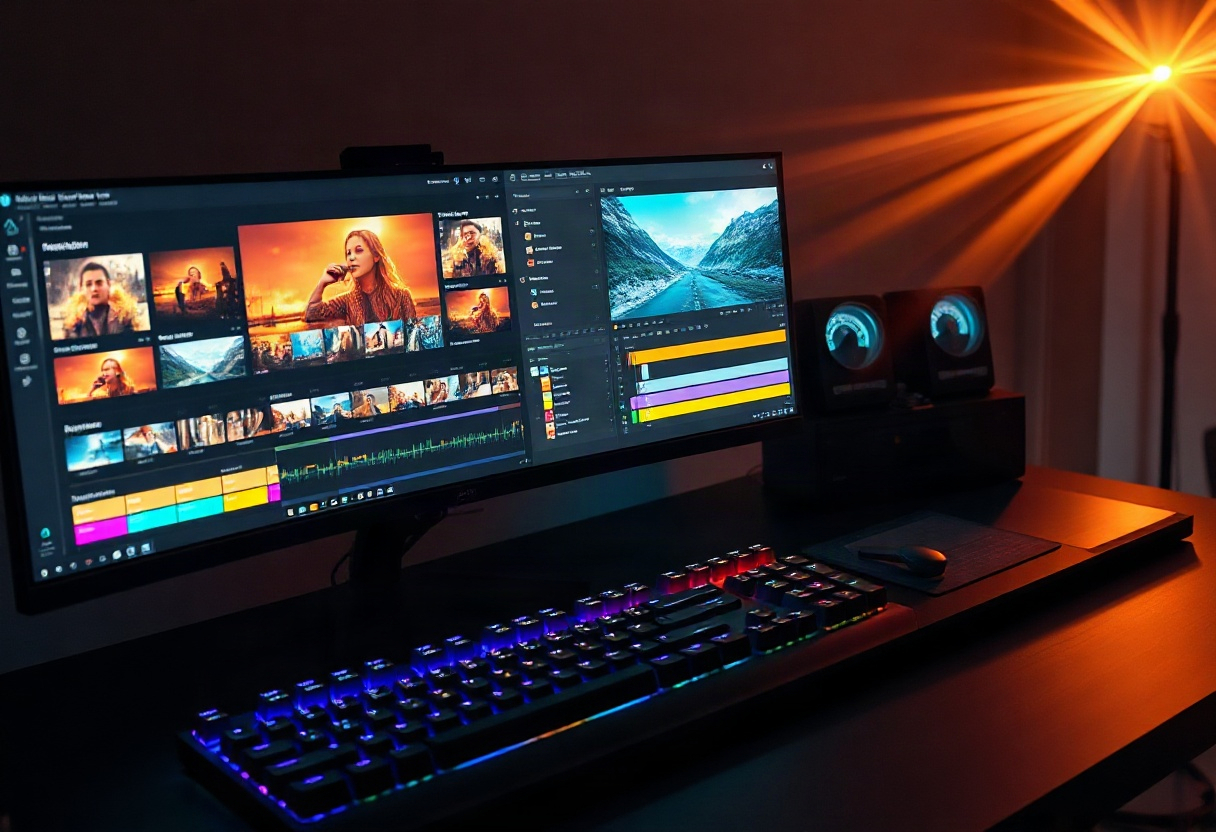
You spend hours filming the perfect footage, but your subscriber numbers aren’t budging. Here’s the truth: the difference between a video that converts casual viewers into paying members and one that gets skipped isn’t always what you shoot—it’s how you edit. Strategic editing can increase watch time by up to 60%, and with 80% of creators saying video is their most effective content format, mastering these tips for editing video isn’t optional anymore.
The good news? You don’t need Hollywood-level skills or expensive software. What you need are proven techniques that grab attention, maintain engagement, and drive viewers toward that subscribe button. Let’s dive into seven editing tricks that directly impact your bottom line.
What is the 3:2:1 Rule in Video Editing?
The 3:2:1 rule is a backup strategy that protects your revenue-generating content: keep 3 copies of your footage on 2 different media types, with 1 copy stored off-site. While it sounds technical, this rule has saved countless creators from disaster.
Think about it—if you lose raw footage for a flagship course that generates $5,000 monthly in subscriptions, you’re not just losing files. You’re losing income. According to Backblaze’s hard drive stats, annual hard drive failure rates hover around 1.37%, meaning statistically, you will experience drive failure.
Here’s how to implement it:
- Copy 1: Your working drive (SSD or local HDD)
- Copy 2: External hard drive or NAS device
- Copy 3: Cloud storage (Google Drive, Dropbox, or dedicated media backup)
Pro tip: Set up automatic cloud syncing for your project folders. The 15 minutes you spend configuring this could save you thousands in lost content and production time.
Master the Hook: Your First 3 Seconds Make or Break Revenue
Your editing starts before the opening frame. Wistia’s video engagement research shows that 20% of viewers abandon videos in the first 10 seconds. For subscription content, that number climbs higher—viewers who’ve already paid have more patience, but free trial users and preview watchers don’t.
Cut ruthlessly at the beginning:
- Delete the throat-clearing. No “Hey guys, welcome back to my channel” unless your brand demands it.
- Start with the payoff. Show the transformation, the result, or the most compelling visual first.
- Use pattern interrupts. Quick cuts, text overlays, or surprising visuals in the first 3 seconds trigger the brain’s attention systems.
For fitness content, this means opening with the final burpee, not the warm-up explanation. For educational videos, lead with the “aha moment,” not the curriculum overview. Platforms like Vidori’s AI-powered Content Optimization Agent can analyze your engagement patterns and suggest optimal hook points based on where viewers typically drop off.
What Does the 80/20 Rule Mean in Video Editing?
The 80/20 rule (Pareto Principle) applies perfectly to video editing: 80% of your engagement comes from 20% of your content. This means most of your footage won’t drive subscriptions—and that’s okay.
Identify your high-value 20%:
- Moments where you deliver core value (the technique, the punchline, the transformation)
- Emotional peaks (laughter, surprise, inspiration)
- Visual payoffs (before/after reveals, finished projects, results)
Cut everything else aggressively. A 10-minute raw recording becomes a 4-minute published video when you apply this ruthlessly. The Vidori Highlight Detection Agent uses AI to automatically identify these key moments, saving hours of manual scrubbing through footage.
In practice, this looks like:
- Trimming every pause longer than 1.5 seconds
- Removing redundant explanations (say it once, well)
- Cutting “um,” “uh,” and verbal filler without mercy
- Eliminating B-roll that doesn’t support your narrative
Strategic Pacing: The Rhythm That Keeps Subscribers Watching
Pacing isn’t about speed—it’s about intentional rhythm. Videos with varied pacing maintain attention 35% longer than monotonous editing, according to video marketing research.
Use the three-speed approach:
-
Fast pacing (0.5-1.5 second cuts): High-energy moments, montages, action sequences. This creates excitement and urgency.
-
Medium pacing (2-4 second cuts): Standard teaching, explanations, demonstrations. This is your baseline rhythm.
-
Slow pacing (5+ second holds): Emotional moments, dramatic reveals, letting complex visuals sink in. This creates impact and emphasis.
Mix these deliberately. A 20-minute tutorial might use fast pacing for the intro (30 seconds), medium pacing for instruction (15 minutes), fast pacing for a recap montage (2 minutes), and slow pacing for the final call-to-action (30 seconds).
Pro tip: Export a rough cut and watch it at 1.5x speed. Sections that feel boring even at accelerated playback need tighter editing or complete removal.
Color Grade for Platform Performance, Not Just Aesthetics
Color grading isn’t vanity—it’s conversion optimization. Consistent, professional color correction makes content feel premium, which justifies premium pricing. Subscribers paying $29/month for your fitness streaming platform expect production values that match the investment.
Quick wins for color correction:
- Normalize exposure across cuts. Jarring brightness changes scream “amateur” and reduce perceived value.
- Use LUTs (Look-Up Tables) for consistency. Apply the same color profile across your entire content library so viewers recognize your brand instantly.
- Boost saturation slightly (10-15%). Mobile screens wash out color, and 78% of video streaming happens on smartphones.
- Increase contrast in lower thirds and text overlays. Readability = retention.
For educators and course creators, color psychology matters too. Blues and greens (trust, calm) work for financial or wellness content. Warmer tones (orange, yellow) suit creative or motivational content. Learn more about optimizing your content library in Vidori’s catalog management guide.
How to Edit a Video Perfectly: Audio Quality Trumps Visual Quality
Here’s an uncomfortable truth: viewers forgive mediocre visuals before they forgive bad audio. Adobe’s video trends report found that 25% of viewers abandon videos due to poor audio quality—nearly double the rate for visual issues.
Essential audio editing steps:
-
Normalize audio levels (-3 to -6 dB peak). Consistent volume keeps viewers engaged without riding the volume button.
-
Remove background noise. Use noise reduction tools (even basic ones like Audacity’s noise gate) to eliminate hums, fans, and ambient sound.
-
Add compression. Audio compression reduces the dynamic range, making whispers audible and shouts controlled. This is critical for workout videos where instructors’ voices compete with music.
-
EQ for clarity. Boost frequencies around 3-5kHz (presence range) to make dialogue cut through music and effects.
-
Include captions. 85% of social video is watched without sound initially, and accessibility features increase your addressable market by 20-30%.
Tools like Descript offer AI-powered transcription that creates editable text, letting you literally edit video by editing a transcript—deleting words removes corresponding footage. This technique reduces editing time by up to 50% for talking-head content.
How Do I Improve My Video Editing Skills: Analyze What Actually Converts
The best editing teacher isn’t a tutorial—it’s your own analytics. Track which videos drive free-trial signups, which retain viewers longest, and which generate the most comments or shares.
Metrics that matter for monetization:
- Average view duration: Aim for 50%+ on educational content, 30%+ on fitness/action content
- Click-through rate on CTAs: Your end-screen subscribe prompt should convert at 5-10%
- Replay rate: High-value content gets rewatched; track this in Vidori’s analytics dashboard
- Drop-off points: Identify exactly where viewers leave and ruthlessly edit those sections in future content
Create an “editing swipe file” of your top-performing videos. What did you do differently? Common patterns among successful creators:
- Shorter intros (under 10 seconds vs. 30+ seconds)
- More frequent visual changes (every 3-4 seconds vs. static shots)
- Strategic text overlays highlighting key takeaways
- Authentic moments (mistakes, bloopers, personality) that build connection
Optimize Your Editing Workflow for Consistent Publishing
Revenue-generating creators publish consistently. The difference between $1,000/month and $10,000/month often comes down to volume multiplied by quality, not perfection.
Build a replicable editing system:
-
Create templates. Save intro/outro sequences, lower-thirds, transitions, and color grades as presets. This reduces each video’s editing time by 30-40%.
-
Batch similar tasks. Edit all intros first, then all main content, then all outros. Context-switching kills productivity.
-
Use proxy files for 4K footage. Editing compressed proxies prevents timeline lag, especially on older computers. Your exports use original files automatically.
-
Set deadlines, not perfection goals. A published B+ video earns more than an unpublished A+ video. Ship it.
-
Leverage AI assistance. Platforms like Vidori’s monetization tools include AI agents that suggest optimal video lengths, predict engagement, and even generate metadata—freeing you to focus on creative decisions rather than technical optimization.
For CapCut users specifically, video editing tips CapCut include using the auto-captions feature, leveraging the extensive audio library to avoid copyright issues, and exploring the keyframe animation tools for dynamic text and graphics. The mobile-first interface means you can edit anywhere, crucial for fitness instructors or travel creators shooting on location.
Key Takeaways
- Protect your assets: Implement the 3:2:1 backup rule to safeguard revenue-generating content from catastrophic loss
- Edit for retention: Apply the 80/20 rule ruthlessly—most footage doesn’t serve your subscribers, so cut it
- Prioritize audio quality: Bad audio kills conversions faster than mediocre visuals; invest in noise reduction and normalization
- Build replicable workflows: Templates, batch editing, and AI assistance enable consistent publishing that scales revenue
- Let data guide your editing: Track which techniques drive subscriptions and double down on what works
Start Turning Views Into Revenue
Great editing doesn’t just make videos watchable—it makes them valuable enough that viewers become paying subscribers. Whether you’re launching a fitness platform, educational series, or creator membership, the quality and strategy behind your edits directly impact your bottom line.
Ready to turn your edited content into a revenue stream? Vidori’s SVOD platform gives you everything you need to monetize video content: custom-branded apps, zero revenue share, and AI-powered tools that optimize engagement automatically. Start your 14-day free trial at Vidori’s pricing page and see how strategic editing combined with the right platform transforms viewers into subscribers.
Written by
Sarah Chen
Content creator and streaming industry expert. Helping creators build sustainable businesses with video.