Streaming Setup Guide: Start Broadcasting Like a Pro
Build your perfect streaming setup without overspending. Get expert equipment recommendations, budget-friendly alternatives, and pro tips to start broadcasting today.
Getting Started
Sarah Chen
November 6, 2026 · 8 min read
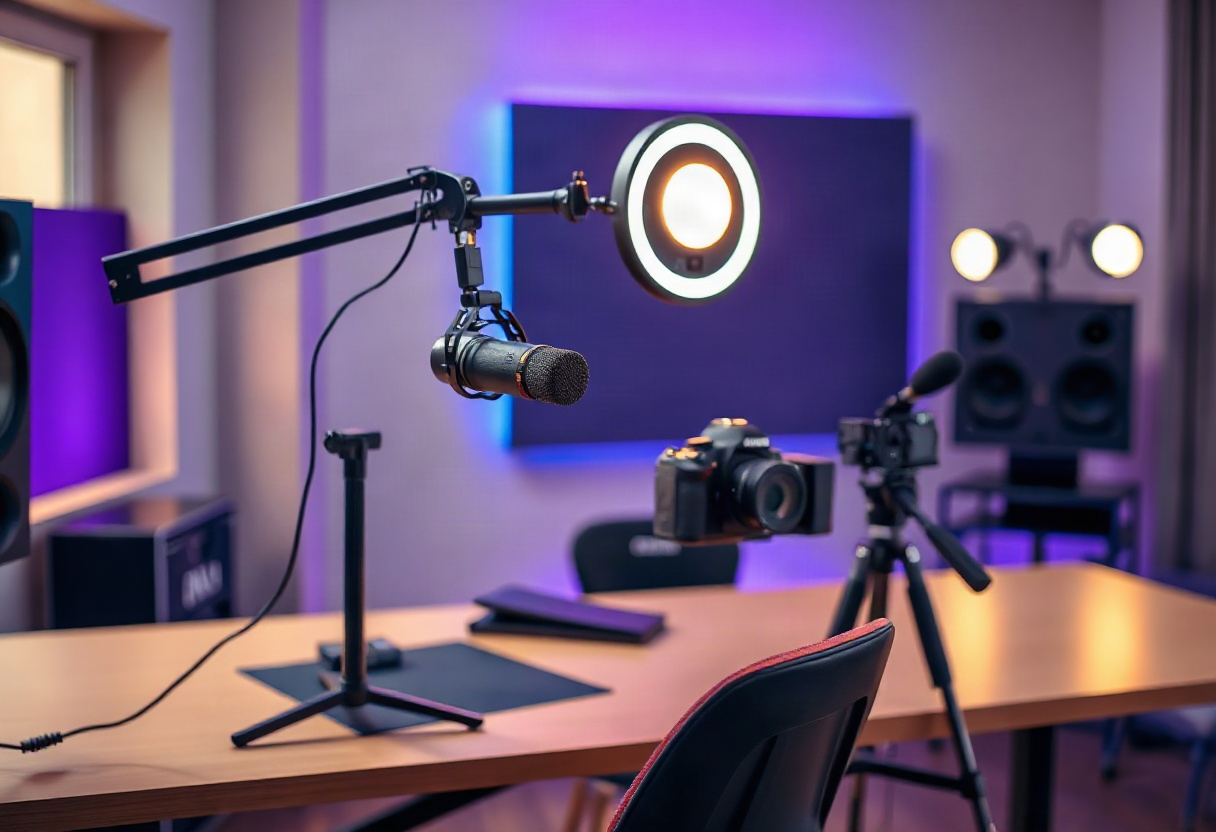
You’ve decided to start streaming, but staring at the endless equipment lists and conflicting advice online feels overwhelming. Should you invest thousands in a professional streaming setup right away, or can you start smaller and upgrade as you grow? The truth is, your streaming setup depends entirely on what you’re streaming, who you’re streaming for, and how you plan to monetize your content.
Whether you’re planning a gaming streaming setup for PC, launching fitness classes, or building an educational streaming platform, this guide breaks down exactly what you need—and what you can skip—to start broadcasting like a pro.
What Equipment Do You Need for a Streaming Setup?
The core components of any streaming setup fall into five categories: camera, microphone, lighting, streaming software, and internet connection. Here’s what matters most:
Camera: Your audience needs to see you clearly. For gaming streamers, a Logitech C920 or similar 1080p webcam works perfectly for face-cam overlays. Fitness instructors and educators streaming full-body movement should consider a DSLR or mirrorless camera with a capture card—the Canon M50 Mark II and Sony ZV-E10 are popular mid-range options that deliver professional video quality without breaking the bank.
Microphone: Bad audio kills streams faster than poor video quality. USB condenser microphones like the Audio-Technica AT2020 USB+ ($149) or Blue Yeti ($130) offer broadcast-quality audio without requiring an audio interface. If you’re streaming in a noisy environment, dynamic microphones like the Shure SM7B paired with a Cloudlifter preamp provide better noise rejection, though this setup costs more upfront.
Lighting: Natural window light works during the day, but inconsistent lighting looks unprofessional. Two softbox lights or LED panels positioned at 45-degree angles from your face (three-point lighting setup) eliminate shadows and create a polished look. Newer creators can start with affordable ring lights ($30-60) before upgrading to professional lighting kits.
Streaming software: OBS Studio (free and open-source) remains the gold standard for streaming software, supporting multi-scene setups, source management, and streaming to multiple platforms simultaneously. Streamlabs OBS offers a more beginner-friendly interface with built-in alerts and overlays. For professional broadcasting with minimal technical setup, platforms like Vidori’s streaming solution handle encoding, adaptive bitrate streaming, and multi-device delivery automatically—no OBS configuration required.
Internet connection: According to Twitch’s broadcast guidelines, streaming at 1080p/60fps requires a minimum upload speed of 6 Mbps, though 10-15 Mbps provides a buffer for stability. Wired ethernet connections deliver more consistent speeds than Wi-Fi, reducing dropped frames and buffering issues.
Pro tip: Test your upload speed at different times of day using Speedtest.net. Your internet connection performs differently during peak evening hours when neighbors are also streaming Netflix and gaming online.
How Much Does a Streaming Setup Cost?
Budget breakdowns vary wildly depending on your content type and quality expectations. Here’s what you can expect at three different price points:
Budget Setup ($300-500)
- Webcam: Logitech C920 ($80)
- Microphone: Fifine USB mic ($40)
- Lighting: Basic ring light ($35)
- Software: OBS Studio (free)
- Total: ~$155 + existing computer
This entry-level setup works well for gaming streamers who primarily show gameplay with a small face-cam overlay, or for testing streaming concepts before investing more heavily.
Mid-Range Setup ($1,000-2,000)
- Camera: Sony ZV-E10 + lens ($800)
- Microphone: Audio-Technica AT2020 USB+ ($149)
- Lighting: Neewer two-light softbox kit ($70)
- Capture card: Elgato HD60 S+ ($180)
- Stream deck: Elgato Stream Deck Mini ($80)
- Software: OBS Studio or professional platform
- Total: ~$1,279 + computer
This setup serves fitness instructors, educators, and content creators who need full-body shots, professional lighting, and reliable equipment for daily streaming.
Professional Setup ($3,000-5,000+)
- Camera: Sony A7 III mirrorless ($2,000)
- Microphone: Shure SM7B + Cloudlifter ($500)
- Lighting: Professional three-point lighting ($300)
- Capture card: Elgato 4K60 Pro MK.2 ($250)
- Audio interface: Focusrite Scarlett 2i2 ($180)
- Multiple monitors and stream control panel
- Professional streaming platform for reliability
- Total: $3,000-5,000+
Professional setups make sense for creators generating $5,000+ monthly revenue from streaming, or those running fitness studios, educational institutions, or media companies where broadcast quality directly impacts brand perception.
Technical Requirements: RAM, Processing Power, and Encoding
How much RAM do you need for live streaming? The answer depends on what else you’re running simultaneously. Streaming software alone uses 2-4GB RAM, but most creators run games, browsers, chat applications, and recording software concurrently.
Minimum specifications for streaming:
- CPU: Intel i5-10400 or AMD Ryzen 5 3600
- RAM: 16GB DDR4
- GPU: NVIDIA GTX 1660 or AMD RX 580 (for gaming streams)
- Storage: 512GB SSD minimum (for recording archives)
Recommended specifications for professional quality:
- CPU: Intel i7-12700K or AMD Ryzen 7 5800X
- RAM: 32GB DDR4 (allows simultaneous recording, streaming, and content creation)
- GPU: NVIDIA RTX 3060 or better (enables NVENC encoding)
- Storage: 1TB+ NVMe SSD
Hardware encoding using your GPU (NVENC for NVIDIA or VCE for AMD) reduces CPU load significantly, letting you stream and game on the same machine without performance degradation. According to Streaming Media Magazine, hardware encoding also produces better image quality at lower bitrates compared to CPU-based x264 encoding.
For creators focused on business streaming rather than gaming—fitness classes, educational content, conference replays—professional platforms with cloud encoding eliminate local hardware requirements entirely. Vidori’s cloud transcoding system automatically converts uploads to eight resolutions with adaptive bitrate streaming, ensuring smooth playback across all devices without requiring powerful local hardware.
Platform Selection: Where Should You Stream?
Your streaming setup hardware matters less than choosing the right platform for your monetization model and audience.
Twitch dominates gaming with 31 million daily active users but takes a 50% revenue cut on subscriptions. Fitness instructors and educators struggle to monetize effectively on gaming-focused platforms where audiences expect free content.
YouTube Live offers broader discoverability and better long-term VOD monetization through ad revenue, though live stream discovery remains challenging for new channels. Many creators use YouTube for VOD archives while streaming live elsewhere.
Subscription streaming platforms make more sense for creators building sustainable businesses around premium content. Instead of fighting for discoverability on crowded platforms where you compete with millions of other streamers, dedicated streaming platforms let you build a direct relationship with paying subscribers who value your specific expertise.
Platforms like Vidori’s creator solutions charge flat monthly rates ($99-499) with zero revenue share—you keep 100% of subscriber revenue. Compare that to Twitch’s 50% cut or Patreon’s 8-13% fees, and the economics shift dramatically as your subscriber base grows.
Pro tip: Start by streaming on free platforms to validate your content and build an initial audience, then migrate paying subscribers to your own platform where you control pricing, branding, and customer relationships.
Best Content Types for Streaming Success
What games or content types work best for streaming? Viewer preference data reveals some clear patterns:
Gaming: Fast-paced competitive games with high skill ceilings perform best—League of Legends, Valorant, Apex Legends, Fortnite. Story-driven single-player games work better for YouTube VOD content than live streaming. Retro gaming and speedrunning have dedicated niche audiences but smaller viewer counts.
Fitness: Live workout classes create accountability and community. HIIT workouts, yoga flows, and strength training sessions with real-time form corrections outperform pre-recorded content because participants show up at specific times and work out together.
Education: Live Q&A sessions, coding tutorials with real-time problem solving, and workshop-style teaching generate higher engagement than passive lecture formats. The ability to ask questions and get immediate answers justifies premium pricing.
Business content: Webinars, conference sessions, and expert interviews benefit from live chat interaction and networking opportunities that disappear in VOD replays.
Understanding your content type shapes your entire streaming setup. Gaming streamers prioritize CPU power and capture cards for smooth gameplay. Fitness instructors need wide-angle cameras capturing full-body movement. Educators focus on screen-sharing quality and presentation clarity.
Key Takeaways
- Start with basics: A $300-500 setup (webcam, USB mic, ring light, OBS) handles most beginner streaming needs
- Prioritize audio quality: Viewers tolerate mediocre video but abandon streams with poor audio immediately
- Choose platforms strategically: Free platforms build initial audiences; subscription platforms generate sustainable revenue
- Hardware requirements scale with content: Gaming needs powerful GPUs; fitness needs wide-angle cameras; education benefits from professional lighting and clear audio
- Test before investing: Stream consistently with budget equipment before spending thousands on professional gear
Ready to Launch Your Streaming Platform?
Building a streaming setup is just the first step. The real challenge is turning viewers into paying subscribers and building a sustainable content business. Professional streaming platforms eliminate technical complexity while giving you complete control over pricing, branding, and customer relationships.
Vidori’s all-in-one streaming platform handles encoding, adaptive bitrate delivery, payment processing, and app distribution across 16+ platforms—from iOS and Android to Roku and Fire TV. Start your 14-day free trial today and see how professional creators are building six-figure streaming businesses without giving platforms a percentage of their revenue. No credit card required.
For technical setup guidance, explore our complete dashboard documentation to get your streaming platform configured in minutes, not weeks.
Written by
Sarah Chen
Content creator and streaming industry expert. Helping creators build sustainable businesses with video.