Outdoor Broadcasting: Complete Guide for Beginners
Master outdoor broadcasting with our beginner's guide to professional remote productions—equipment, techniques, and budget-friendly tips included.
Getting Started
Sarah Chen
March 5, 2026 · 8 min read
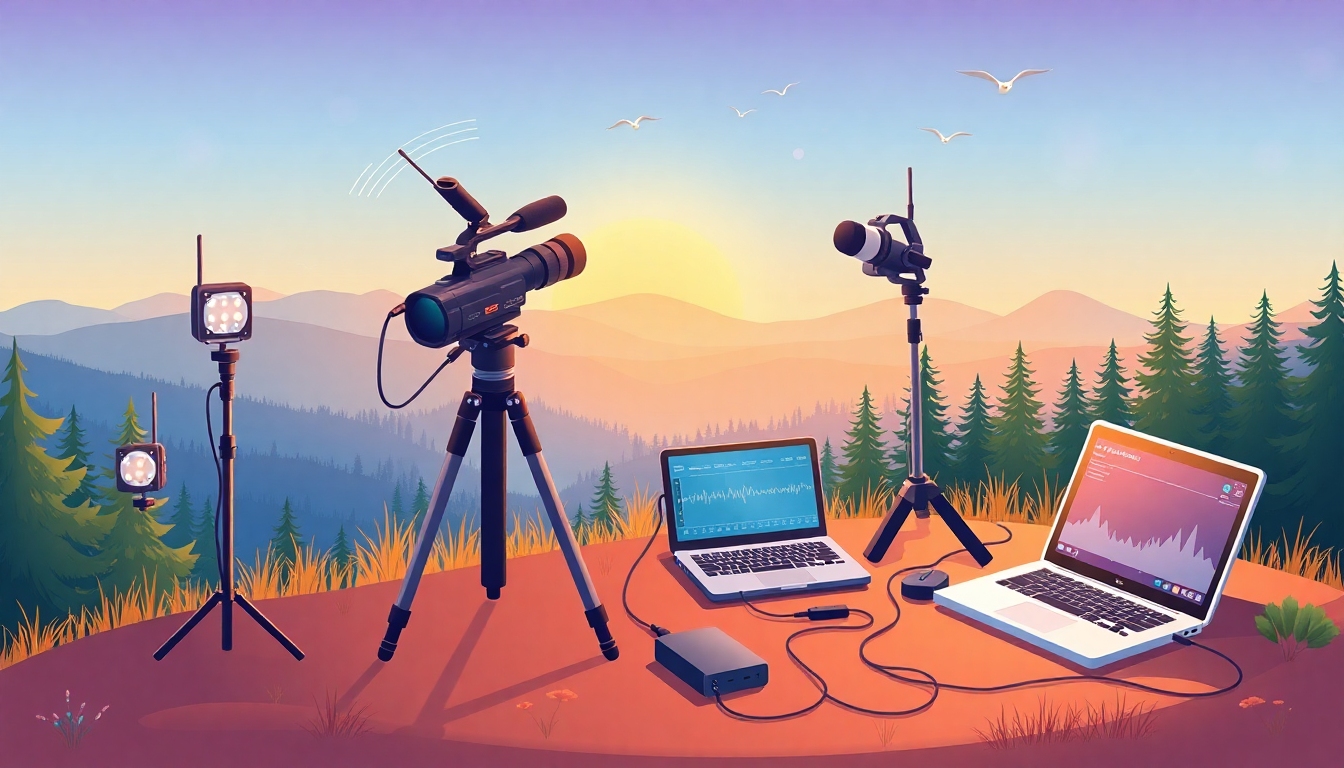
You’ve seen it happen: a major sporting event, a music festival, or breaking news coverage—all broadcast live from locations far from a traditional studio. That’s outdoor broadcasting in action, and it’s no longer reserved for big media companies with million-dollar budgets. Whether you’re streaming a CrossFit competition, a church service in the park, or a documentary shoot in the wilderness, outdoor broadcasting opens up creative possibilities that studio-bound production simply can’t match.
This guide breaks down everything beginners need to know about outdoor broadcasting: what it is, what equipment you need, and how to pull off professional-quality remote productions without breaking the bank.
What is Outside Broadcasting?
Outside broadcasting (often abbreviated as OB) refers to any television or video production that takes place outside a traditional studio environment. Instead of bringing your subject to a controlled studio space, you bring your production equipment to where the action is happening—whether that’s a sports stadium, concert venue, outdoor event, or remote location.
The term OB stands for “outside broadcast” in media terminology, and it’s been a cornerstone of live television since the early days of broadcasting. What’s changed is accessibility: according to Statista’s live streaming market research, the global live streaming market reached $70.5 billion in 2021 and continues to grow as technology becomes more affordable and portable.
Types of Outside Broadcasting
Understanding the types of outside broadcasting helps you choose the right approach for your production:
1. Event Broadcasting
This covers live coverage of sports events, concerts, conferences, and festivals. Event broadcasting typically requires multiple cameras, wireless connectivity, and real-time switching capabilities. Churches streaming outdoor services, fitness trainers broadcasting bootcamp classes, and sports leagues covering games all fall into this category.
2. News and Documentary Field Production
Journalists and documentary filmmakers use outside broadcasting techniques for on-location reporting and storytelling. This style prioritizes portability and quick setup over elaborate multi-camera configurations.
3. Remote Studio Broadcasting
Some productions create a temporary studio environment outdoors or in non-traditional spaces. Think podcast recordings from scenic locations or cooking shows filmed in outdoor kitchens. The production quality matches studio standards, but the setting provides unique visual appeal.
What Equipment is Used in Outside Broadcasting?
Building your outdoor broadcasting kit requires balancing quality, portability, and budget. Here’s what you need:
Essential Equipment
Cameras and Lenses Your camera choice depends on your budget and production complexity. Professional broadcasters use cinema cameras or broadcast camcorders with interchangeable lenses, but modern mirrorless cameras and even high-end smartphones can produce broadcast-quality footage. Budget $800-$5,000 for a solid camera setup.
Audio Equipment Poor audio kills outdoor broadcasts faster than mediocre video. Invest in:
- Shotgun microphones for directional audio capture
- Wireless lavalier mics for presenters and interviews
- Windshields and deadcats for wind noise reduction
- Portable audio mixer for multiple sources
Outdoor environments present unique audio challenges—wind, ambient noise, and distance from subjects all require specialized solutions.
Streaming Encoder A hardware or software encoder converts your camera feed into a stream compatible with your platform. Options range from $200 hardware encoders to software solutions like OBS Studio (free) or Wirecast ($500-$1,000).
Internet Connectivity Reliable internet makes or breaks outdoor broadcasts. Your options:
- Bonded cellular: Devices like LiveU or Teradek combine multiple cellular connections for stable bandwidth
- Mobile hotspots: Consumer-grade option using 4G/5G networks
- Satellite internet: Expensive but necessary for truly remote locations
- Fixed wireless or fiber: Best quality when available at your location
According to Cisco’s Visual Networking Index, live internet video will account for 17% of internet video traffic by 2024, putting pressure on networks to support broadcast-quality streaming.
Power Solutions Studio power outlets don’t exist outdoors. Bring:
- High-capacity battery packs for cameras and encoders
- Portable generators for longer productions
- Solar charging solutions for multi-day remote shoots
- Extra batteries (always more than you think you’ll need)
Pro Tip: Create a detailed equipment checklist and pack backup solutions for every critical component. In outdoor broadcasting, Murphy’s Law applies—if something can fail, it probably will when you’re miles from the nearest electronics store.
The Outside Broadcasting Van: Do You Need One?
An outside broadcasting van is a mobile production unit equipped with cameras, switchers, monitors, and broadcast equipment. Traditional OB vans cost $500,000-$2 million and require specialized crews to operate.
Do you need one? Almost certainly not if you’re just starting out. Modern outdoor broadcasting favors compact, modular setups that fit in a car trunk. You can achieve professional results with:
- A rolling case system for equipment organization
- Portable tripods and camera supports
- Wireless transmission systems instead of cable runs
- Cloud-based production tools replacing physical switchers
The democratization of broadcast technology means you can accomplish what once required an OB van with equipment costing under $10,000.
Planning Your First Outdoor Broadcast
Scout Your Location
Visit your broadcast site beforehand to identify:
- Camera positions and shooting angles
- Power source locations
- Internet connectivity quality
- Background noise levels and wind exposure
- Lighting conditions at your scheduled broadcast time
- Backup locations if weather doesn’t cooperate
Test Your Setup
Run a complete equipment test at home, then do another at your location if possible. Test during the same time of day you’ll broadcast to understand lighting and network congestion.
Have a Backup Plan
Outdoor broadcasting involves uncontrollable variables. Prepare contingency plans for:
- Equipment failure (bring backup cameras and mics)
- Internet connectivity issues (have multiple connection methods)
- Weather changes (rain covers, alternative locations)
- Audio problems (extra windshields, backup recorders)
Pro Tip: Record a local backup of your broadcast even while streaming live. Technical issues happen, but you’ll still have content to share if your stream drops.
Monetizing Your Outdoor Broadcasts
Once you’ve mastered the technical aspects, outdoor broadcasting opens revenue opportunities:
Subscription Model Sports leagues, fitness instructors, and event organizers can offer exclusive outdoor content through subscription platforms. With a service like Vidori’s SVOD solutions, you can charge viewers monthly or annual fees to access your outdoor programming. Vidori’s flat pricing starting at $99/month means you keep 100% of subscriber revenue without per-subscriber fees eating into your profits.
Pay-Per-View Events Special outdoor events—championship games, exclusive concerts, or unique experiences—work well as one-time purchases. This model lets casual viewers buy access without committing to subscriptions.
Hybrid Approach Combine free outdoor broadcasts to build audience with premium subscription content for your most dedicated fans. Many successful creators use this funnel strategy to convert viewers into paying subscribers.
Vidori’s monetization documentation walks you through setting up subscriptions, pay-per-view, bundles, and promotional codes—all managed through Stripe Connect payments that deposit directly to your account.
Distribution Across Multiple Platforms
Your outdoor broadcasts shouldn’t live on just one platform. Distribute to:
- Your own white-label web and mobile apps
- Smart TVs (Roku, Fire TV, Apple TV)
- Social media for promotional clips
- Email newsletters with highlight reels
Vidori’s custom app builder lets you create branded iOS, Android, Roku, and Fire TV apps without coding. Your outdoor content becomes a professional streaming service rather than just YouTube videos.
The platform’s Content Optimization Agent (available on Business tier and above) automatically generates titles, descriptions, and tags for your outdoor broadcasts, increasing discoverability by an average of 23%.
Key Takeaways
- Outdoor broadcasting brings production to the location instead of bringing subjects to a studio—it’s accessible to independent creators, not just major networks
- Essential equipment includes cameras, quality audio gear with wind protection, streaming encoders, reliable internet connectivity, and portable power solutions
- You don’t need an expensive outside broadcasting van—modern compact setups deliver professional results for under $10,000
- Location scouting, equipment testing, and backup plans separate successful outdoor broadcasts from technical disasters
- Monetize outdoor content through subscriptions, pay-per-view, or hybrid models using platforms with predictable pricing and zero revenue share
Start Broadcasting from Anywhere
Outdoor broadcasting removes the limitations of studio production, letting you create compelling content wherever your story happens. The technical barriers that once made remote broadcasting exclusive to major media companies have disappeared—replaced by affordable, portable equipment and streaming platforms designed for independent creators.
Ready to turn your outdoor broadcasts into a sustainable streaming business? Start your 14-day free trial with Vidori—no credit card required. Build your own white-label streaming platform, distribute across 16+ platforms including smart TVs and mobile apps, and keep 100% of your subscriber revenue with transparent, predictable pricing starting at $99/month.
Written by
Sarah Chen
Content creator and streaming industry expert. Helping creators build sustainable businesses with video.